


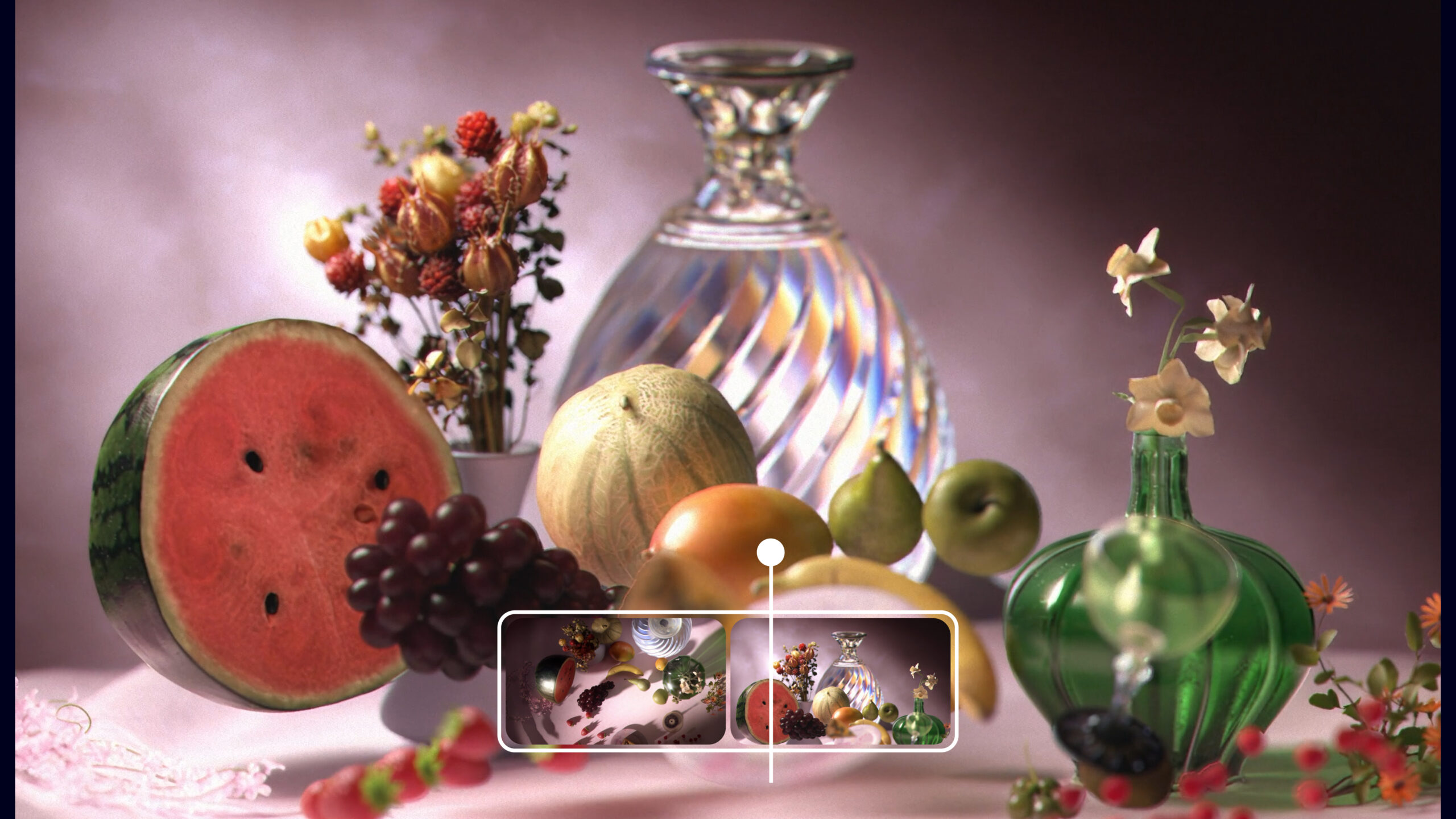
Imagine typing a sentence describing the vision you see in your head — something like “a neon jungle at night” or “all-girl retro rock band” — and watching a video appear before your eyes. No camera. No crew. No editing timeline.
That’s not a far-off future sci-fi dream. It’s the promise of AI video generators.
From social media ads to YouTube intros, AI video tools are already changing how we create content. Whether you’re looking to make promotional videos for your brand, go viral on TikTok, or speed up the brainstorming process for your short film, there’s a tool for that, and it’s getting better by the minute.
In this guide, we’ll break down what AI video generators actually are, how they work, and how you can use them to level up your creative workflow. We’ll also show you where to find the best ones, what to watch out for, and how to get started, even if you’ve never edited a video in your life.
Imagine typing a sentence describing the vision you see in your head — something like “a neon jungle at night” or “all-girl retro rock band” — and watching a video appear before your eyes. No camera. No crew. No editing timeline.
That’s not a far-off future sci-fi dream. It’s the promise of AI video generators.
From social media ads to YouTube intros, AI video tools are already changing how we create content. Whether you’re looking to make promotional videos for your brand, go viral on TikTok, or speed up the brainstorming process for your short film, there’s a tool for that, and it’s getting better by the minute.
In this guide, we’ll break down what AI video generators actually are, how they work, and how you can use them to level up your creative workflow. We’ll also show you where to find the best ones, what to watch out for, and how to get started, even if you’ve never edited a video in your life.
Let’s dive in.
What is an AI video generator?
An AI video generator is a tool that creates video content using artificial intelligence. You feed it input, like a text prompt, an image, or a script, and it builds a full video for you. Some tools even add music, motion, and voiceover automatically.
It’s kind of like having an entire video team packed into one tool.
Here’s what they can generate:
Text-to-video
With an AI text-to-video tool, you type in a prompt like “a stormy ocean with neon lightning”, and the AI turns that into a short animated video. These are great for concept videos, abstract visuals, music backdrops, or stylized social content.
Image-to-video
This lets you animate static images, turning a single photo or illustration into a moving sequence. Think moving posters, moody intros, or character reveals.

Avatar videos
With this format, you upload a script, choose an AI presenter (a virtual person), and the tool generates a talking-head style video. It’s a popular option for explainer content, training videos, and business presentations.
Video editing automations (video to video AI)
Some AI video generators don’t just create videos from scratch, they supercharge your editing. They can automatically cut raw footage, add B-roll based on your script, apply captions, match music to cuts, or even pick color grades and transitions. Basically: less grunt work, more creativity.
So why are AI video generators blowing up?
Because they’re crazy fast, affordable, and accessible. Unlike traditional video creation, you don’t need a camera, crew, or even a video editing program to start making content.
Creators of all experience and skill levels use them for every part of the creative process, from mocking up ideas before production to creating content at scale for social media.
A short history of AI video generators
AI video tools didn’t appear out of thin air. The journey started with grainy experiments in university labs, and now they’re reshaping the creative industry. Let’s rewind for a second.
It started with GANs (and some very weird videos)
Back in 2014, researchers introduced a new kind of model called a GAN, short for Generative Adversarial Network. It wasn’t built for video at first, but by 2016, people were using it to create tiny moving clips: fuzzy blobs with just enough motion to suggest a scene.
By 2018, researchers added text into the mix. You could write a prompt, and the AI would respond with visuals, a first glimpse at today’s text-to-video workflows.
Then diffusion models changed everything
GANs got video moving, but the results were jittery and inconsistent. Diffusion models, originally built for AI image generation tools like DALL·E and Stable Diffusion, took a different approach. They work by gradually refining visual noise into a clear image, and when adapted to video, they helped smooth things out frame by frame.
By 2022, Google and Meta began adapting these models to handle not just stills, but motion. That meant tackling some big challenges: reducing flicker, keeping scenes consistent, and helping the AI actually follow the prompts people typed in.
Fast-forward to 2024, and tools like OpenAI’s Sora, Google’s Veo 3.1, and Tencent’s Hunyuan are creating cinematic-quality video with natural motion and clean transitions.
The tools that made it mainstream
What started in university labs and big tech campuses soon became available to the masses. Around 2023/2024, Pika Labs, HeyGen, and ImagineArt all launched easy interfaces for text-to-video, image-to-video, and AI avatars. Suddenly, even inexperienced creators could type a prompt or upload an image and get a video fast.
From separate tools to built-in workflow
By 2024, AI wasn’t just its own thing anymore — it was part of your editing timeline. Platforms like Sora, Veo, and Hunyuan integrated seamlessly with non-linear editing systems, allowing creators to treat AI content like any other video layer. That means you can now fill in missing parts of a video, smooth out choppy motion, or add creative animation styles right inside your editing software.
How do AI video generators work?
Every AI video generator is a little bit different, but most more or less follow the same easy process:
- Choose your generator
Choose your generation type: text to video AI generator or AI image to video generator.
- Type your prompt or upload visuals
If you chose text to video, write a description that tells the AI what you want: “A dreamy forest at golden hour,” “Fast-paced trailer for a fitness app,” or “90s-style VHS intro with glitch effects.”
You can get quite detailed here, including things like camera angles, lighting styles, and composition. Some AI video generators offer a built-in feature for enhancing your prompts to make them as effective as possible.
If you chose image to video, this step is when you’ll upload your photos. - Select your style and format
Want it vertical for Reels or horizontal for YouTube? Need a retro look or something hyper-realistic? Many tools let you define parameters like style, resolution, and length before the AI gets to work.
- Let the AI generate your video
This is where the magic happens. The AI interprets your prompt and gives you one or more options to review.
- Review and refine
Check the output. Want to change the colors? Shorten a scene? Adjust the soundtrack? Most platforms let you tweak the final result before you download or publish.
- Export
Once you’re happy with the result, export it in your preferred resolution and format.
Here are some examples of AI videos generated with Artlist’s AI Video Generator.
Prompt: Close-up of a woman staring out a rainy train window, moody lighting, soft focus
Style: Warm Realism
Prompt: Dreamy pastel animation of a child floating through the clouds with balloons
Style: Playful 3D
Prompt: Cinematic close-up shot of a coffee cup being filled, steam rising, cozy morning vibe
Style: Photorealistc
Want to know what’s happening behind the scenes?
Without getting too technical and boring you to sleep, here’s the general gist of how AI video generation technology works:
- Training: To get smart, AI models are trained on massive libraries of video clips, images, and matching text. Before training begins, all that data gets cleaned up, resized, and labeled so the AI can understand what’s happening in each scene. That’s how it learns to create videos that make sense, visually and logically.
- Diffusion, transformers, and deep learning: Once trained, the AI uses a mix of cutting-edge tech to bring your ideas to life. Many platforms combine these tools to get the best results.
- Diffusion models (like the ones behind DALL·E,Sora and Nano Banana) generate frames step-by-step, carefully keeping both motion and visuals consistent.
- Transformers help the AI understand how frames relate over time, so your video flows smoothly instead of looking choppy or disconnected.
- Other deep learning models, like GANs and CNNs, handle frame details, enhance quality, and fill in gaps. Many platforms combine these tools to get the best results.
- Rendering: Once all the frames are ready, the AI strings them together into a fluid sequence. It blends the in-betweens, syncs up the soundtrack or voiceover, and fine-tunes everything with upscaling, denoising, and color tweaks.
The pros and cons of AI video generators
Like anything, AI video generators come with trade-offs. Here’s a look at what they’re great at and where they still fall short.
The pros: fast, flexible, and surprisingly powerful
- Speed like you’ve never seen: AI video generators let you go from idea to finished video in just a few minutes, which is crazy compared to the days, weeks, or even months it used to take to shoot and edit or animate something.
- No crew? No problem: You don’t need a camera, actors, lights, or a studio. You don’t even need to pay for video editing software. With the right prompt, AI can create everything from stylized intros to entire explainer videos.
- Beginner-friendly: No editing experience? No problem. These tools are built with intuitive interfaces and simple customization options. So easy that literally a child could do it.
- Creative jumpstart: If you’re lacking inspiration, AI is a killer brainstorming partner. You can use it to generate quick prototypes, explore new visual styles, or test different tones before committing to a final cut.
- Budget-friendly: Hiring a full production team — or even filming something yourself — gets expensive fast. AI gives you professional-looking results without draining your wallet.
The cons: it’s still not perfect
- Visuals can feel off: If you don’t fine-tune the results, AI-generated footage can look uncanny or overly generic, especially with faces, hands, or complex motion.
- Limited creative control: AI doesn’t always give you exactly what you pictured. You can’t direct every detail the way you would in a traditional shoot or manual edit.
- Legal and copyright gray areas: Using AI-generated content in commercial projects can raise licensing questions. That’s why it’s so important to always check the fine print and make sure your tools offer proper usage rights.
- Still needs a human touch: Great videos still need great storytelling, pacing, and polish. AI can do the heavy lifting, but the magic still happens when you step in with your creative judgment.
Best AI video generators right now
With so many tools popping up, it can be hard to tell what’s actually worth your time. Here are five of the most talked-about (and powerful) AI video generators available right now, each with its own strengths depending on your creative needs.
Artlist: Made by creators, for creators, with 20 style options
Artlist’s AI video and image generators are designed for creators who want cinematic results without the stress. You can go from a simple text prompt to fully licensed, high-quality visuals in just a few steps. And since everything’s covered by the Artlist license, you can use your videos commercially without worry. Great for social content, branded videos, and creative experiments.
Google Veo 3: Cinematic quality with smart audio
Veo 3 is Google’s advanced text-to-video model, capable of producing some pretty impressive 1080p clips. It generates realistic motion, nuanced lighting, and scene coherence that feel like a movie. Unlike previous versions, Veo 3 can also create soundtracks, voiceovers, and ambient audio that syncs to the visual.
Runway: Versatile and getting more realistic
Runway has been one of the most accessible AI video platforms since day one, with an intuitive interface that makes it easy to stylize, animate, or transform your footage. With Gen-4, Runway is making a serious push toward photorealism and cinematic quality, including smoother motion and sharper details. One popular Runway feature is uploading your own clips and using AI to extend, reimagine, or enhance them without starting from scratch.
OpenAI Sora: Comes with ChatGPT
OpenAI’s Sora creates short, cinematic videos from text prompts, uploaded images, or scene-by-scene storyboards. It’s part of ChatGPT, with remixing tools that make it easy to build on community creations. While it still struggles with motion realism, its landscapes and stylized scenes are stunning. You can only use it as part of a ChatGPT subscription.
Luma AI: AI video generation meets creative collaboration
Luma’s Dream Machine feels more like a creative partner than a tool. Start with a prompt, generate a still, then bring it to life with Ray2. While the video quality isn’t top-tier, its stylized, cartoon, and 3D looks shine. Interactive features like brainstorming prompts and smart UI touches make the process feel intuitive and fun.
The future of AI video generation
We’re still in the early days of AI video, but things are moving very fast. So, what’s next?
- Realism that rivals reality: We’re heading toward video outputs that are nearly indistinguishable from live footage. Models will better understand lighting, physics, and interactions to generate smoother motion, more accurate human features, and far less uncanny valley.
- Real-time generation: Today, most AI videos take a few minutes (or longer) to render. Soon, you’ll be able to type a prompt and get instant results, maybe even live video generation during a stream or video call.
- Personalized AI models: Imagine training your own AI model on your content: your face, your voice, your visual style. You’ll be able to generate video that looks and sounds like you, speaks in your tone, and aligns with your creative signature.
- One tool to rule them all: We’re already seeing AI tools for video, audio, images, and design, but what happens when they all work together? Soon enough, you’ll be able to generate a script, create voiceover, images, and video all in one platform and workflow.
AI video is the new frontier
AI video generators are reshaping how creators, creatives, and artists work across industries. Whether you’re a solo editor, a brand storyteller, or a filmmaker, these tools offer new ways to move fast, stay inspired, and push your creative boundaries.
This is the time to experiment with it. Have fun. See where it can help make your workflow faster and easier. Once you can figure out how to work with it, AI can quickly become your favorite collaborator.
So go ahead: pick a generator, type an idea, and see where it takes you.
FAQs
Some are! Tools like Luma and Runway offer free tiers with limited output, while platforms like Sora are included with subscriptions like ChatGPT Plus. Just be sure to check video quality, watermarks, and commercial licensing before publishing.
Licensing rules vary. Some tools allow full commercial use, others require paid plans or specific attribution. Always read the fine print before using AI-generated content in paid or public-facing work.
Text-to-video turns a written prompt into animated visuals. Image-to-video starts with a photo or still and adds motion. Some tools let you mix both: start with an image, guide the motion with text, and get something that blends the two.
It may take anywhere from 30 seconds to a few minutes, depending on the tool, prompt, and video length. The more complex the request (multiple scenes, high-res output), the longer it may take to render.
Not likely. AI is great for speeding up repetitive tasks, prototyping ideas, and creating short content fast, but it can’t replace storytelling instincts, creative judgment, or emotional nuance. Think of it as an assistant, not your competition.


